
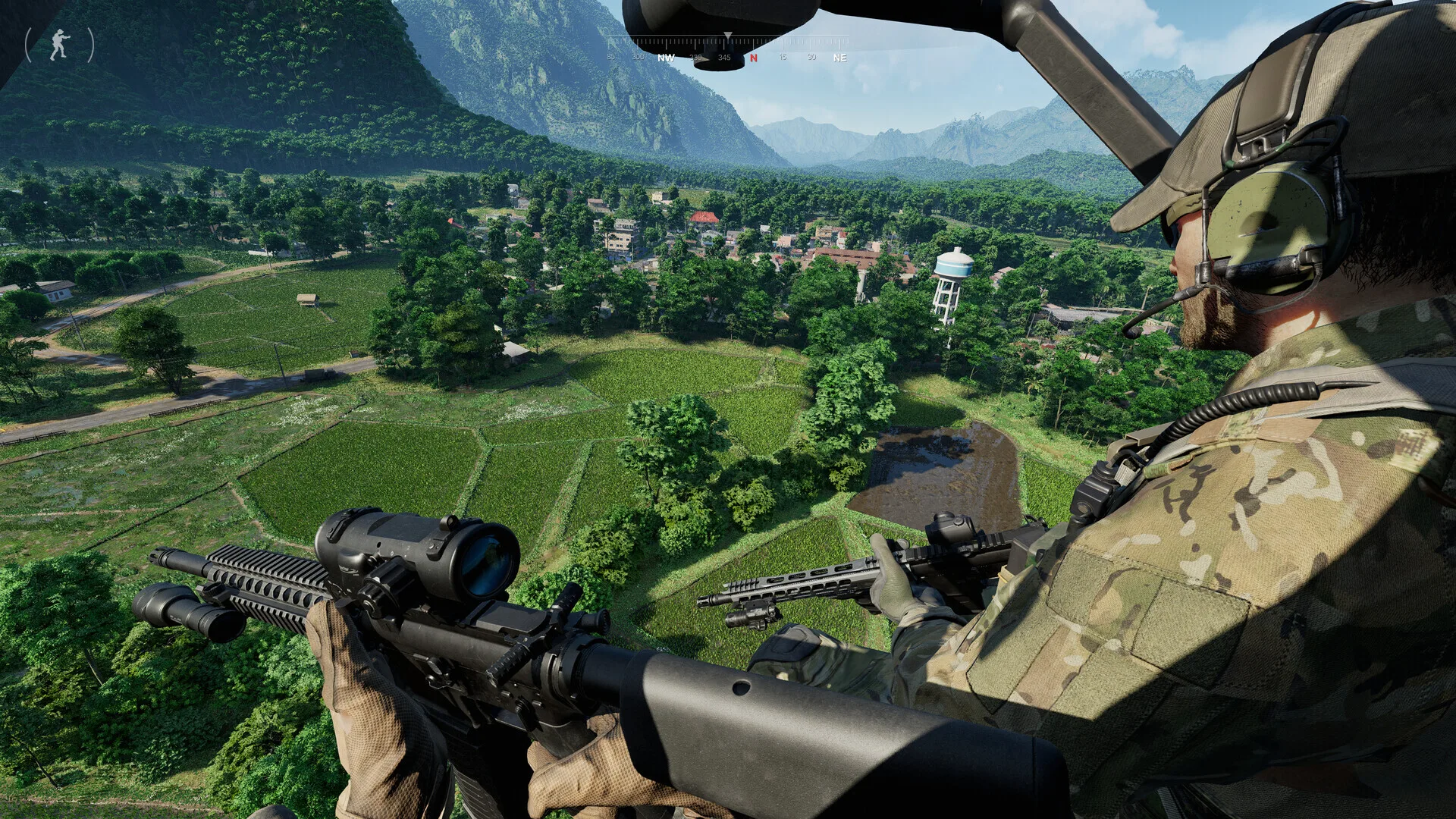
Before you contact Gray Zone Warfare cheat support
- Confirm your Gray Zone Warfare cheat license is active — check your purchase confirmation email for the key
- Visit the Updates page for current GZW build compatibility
- Read the FAQ for Gray Zone Warfare EAC and HWID answers
- Disable conflicting overlay software if the GZW cheat loader fails to attach
Step 1 — Buy GZW cheats
Complete checkout for Gray Zone Warfare cheats and save your license key.
Buy Gray Zone Warfare CheatsStep 2 — Download loader
Follow the download link in your email for the Gray Zone Warfare cheat loader. Exclude the folder from real-time antivirus scanning.
Step 3 — Activate license
Launch the GZW cheat loader, enter your license key, and wait for the ready status indicator.
Step 4 — Launch Gray Zone Warfare
Start Gray Zone Warfare through Steam. Open the in-game cheat menu with your configured hotkey on Lamang Island.
Gray Zone Warfare cheat support covers installation and license issues for Lamang Island raids. We cannot recover banned GZW accounts or guarantee bypass of future EAC updates. Review GZW features and ESP pages before buying.